


Restocked: Bontel T1000 Dual SIM Wireless Desktop Phone – Home & Office Solution
SKU
People are viewing right now
Restocked: Bontel T1000 Dual SIM Wireless Desktop Phone – Home & Office Solution
Stay connected with the Bontel T1000, the ultimate wireless desktop phone designed for both home and professional office environments.
Combining the reliability of a landline with the flexibility of a mobile device, this GSM-enabled desktop phone ensures you never miss an important call.
Whether you are managing a busy front desk or need a dependable communication hub for your home, the T1000 offers crystal-clear audio, a long-lasting battery, and Dual SIM capabilities to keep your personal and professional lines separate yet accessible.
Key Features
- Dual SIM Support: Manage two different networks simultaneously for better coverage and cost-saving.
- High-Capacity Phonebook: Store up to 200 entries so your important contacts are always a button-press away.
- LCD Display with Backlight: A clear screen featuring status icons (signal, battery, etc.) that is easy to read even in low-light conditions.
- Extended Battery Life: Equipped with a high-capacity battery providing up to 5 days of standby time, ensuring it works even during power outages.
- Adjustable Volume & Loudspeaker: High-quality audio with adjustable settings and a hands-free speakerphone mode.
- SMS & Call Management: Send and receive text messages, view caller ID, and track your call history easily.
- Built-in Spotlight Torch: A unique integrated flashlight feature for emergency use.
- Entertainment & Tools: Includes FM Radio, multiple ringtone options, redial functionality, and an external antenna for enhanced signal reception.
How to Use
- SIM Card Insertion: Open the battery compartment at the bottom, remove the battery, and insert one or two active SIM cards into the slots.
- Powering On: Insert the battery, replace the cover, and press and hold the Power/End button until the LCD screen lights up.
- Setup: Follow the on-screen prompts to set the time and date. The phone will automatically search for the network signal.
- Making a Call: Simply pick up the handset or press the Loudspeaker button, dial the number using the keypad, and press the green dial key.
- Charging: Plug the provided charging adapter into a wall outlet and connect it to the side of the phone base to keep it powered.
Related products

Restocked: Bontel T1000 Dual SIM Wireless Desktop Phone – Home & Office Solution
Ksh.4,200
Ksh.4,800
Frequently Bought Together
No frequently bought products found!
Products from this Seller
View All

Mikasa Football-Professional Soccer Ball Standard Size 5 Ball for Outdoor Sport
Ksh.1,975
Ksh.2,500

Nunix GC-004 Auto Ignition Tabletop Glass Top 2 Burner Gas Cooker
Ksh.2,760
Ksh.3,000


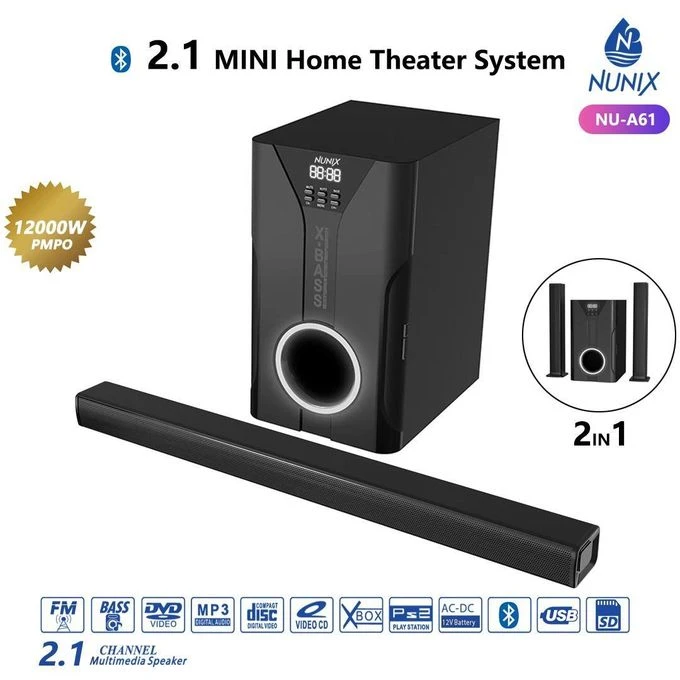
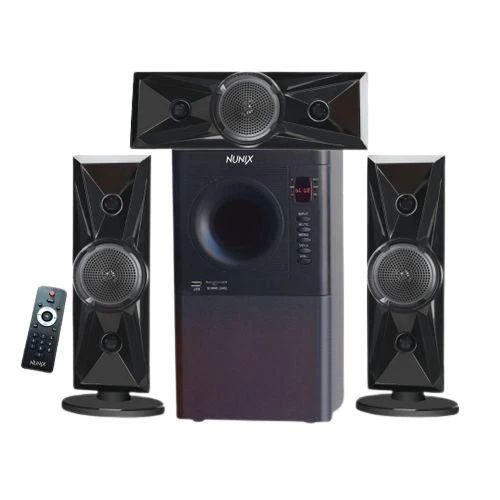
Nunix NU-A60 3.1 Mini Home Theater System
Ksh.4,199
Ksh.5,999

Premium Mwea Pishori Rice
Ksh.4,300
Ksh.4,500

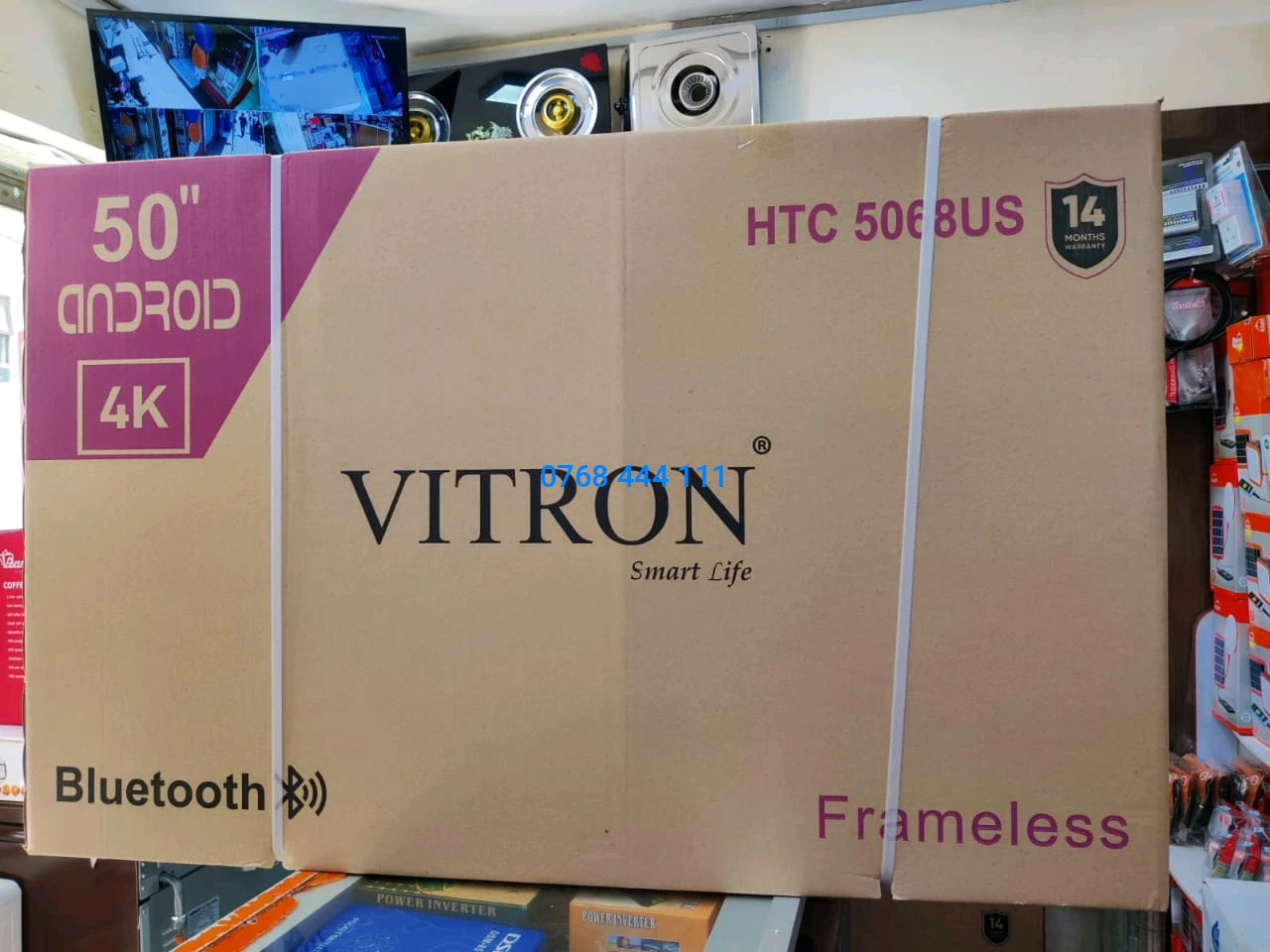
Vitron 50" inches Frameless Smart Android TV – Pure 4K Immersion Television
Ksh.29,999
Ksh.36,599


The Silver Crest SC-1589 Commercial 2-in-1 Blender. 4,500W
Ksh.2,949
Ksh.2,999
Restocked: Bontel T1000 Dual SIM Wireless Desktop Phone – Home & Office Solution
Ksh.4,200
Ksh.4,800

Nunix HD-77C Professional Hair Dryer/ Blow dry 2400W
Ksh.1,899
Ksh.2,000


The Corner Commander: 5-Piece Damage-Free Rustproof Wall Organization Station
Ksh.2,200
Ksh.2,300


Albeida tote bag Fashion Luxury Tote Purses for Ladies Women's Trendy Hand Bags
Ksh.2,400
Ksh.3,000

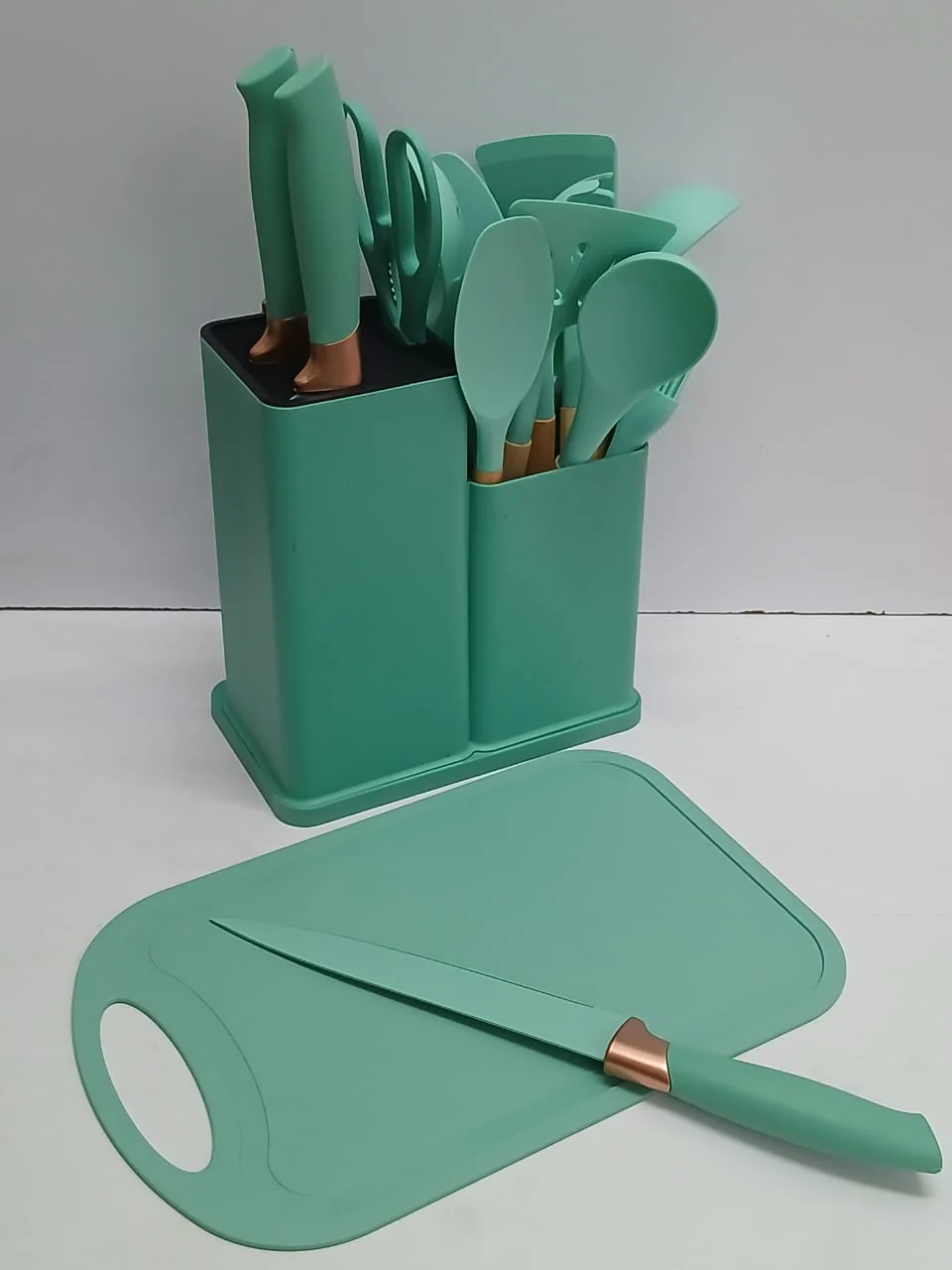
19-Piece Silicone Kitchen Utensil Set with Holder & Cutting Board
Ksh.2,650
Ksh.3,000

We offer quality products at affordable prices


Contact Info
- Address: P.O Box 36
- Phone: 0768444111
- Email: jirani@jiranimall.com


Share with Friends
Trading is more effective when you share products with friends!Share you link
Share to